No face slips through
MojiMask finds every face in the picture and masks it straight away. You start from a fully covered image, so hiding someone is the default, not a step you might skip.
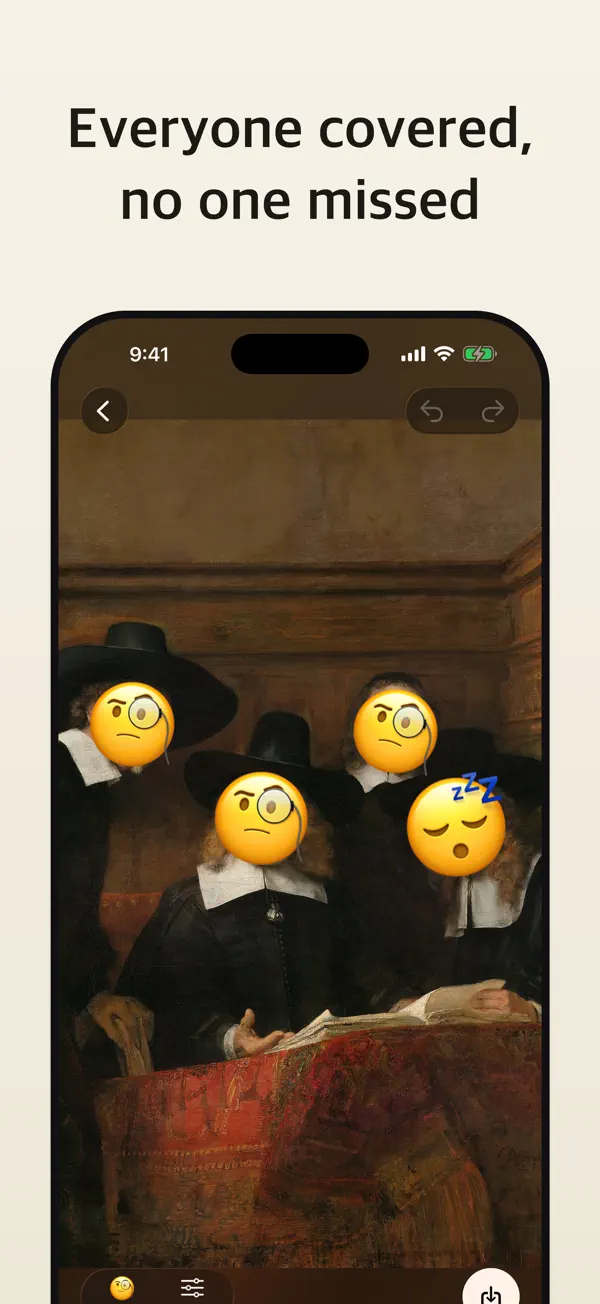
MojiMask puts an emoji over every face in your photo or video before you do anything. Tap the people you want visible and leave the rest hidden — so a group photo, a street scene or a family clip never goes out with someone you forgot to cover.

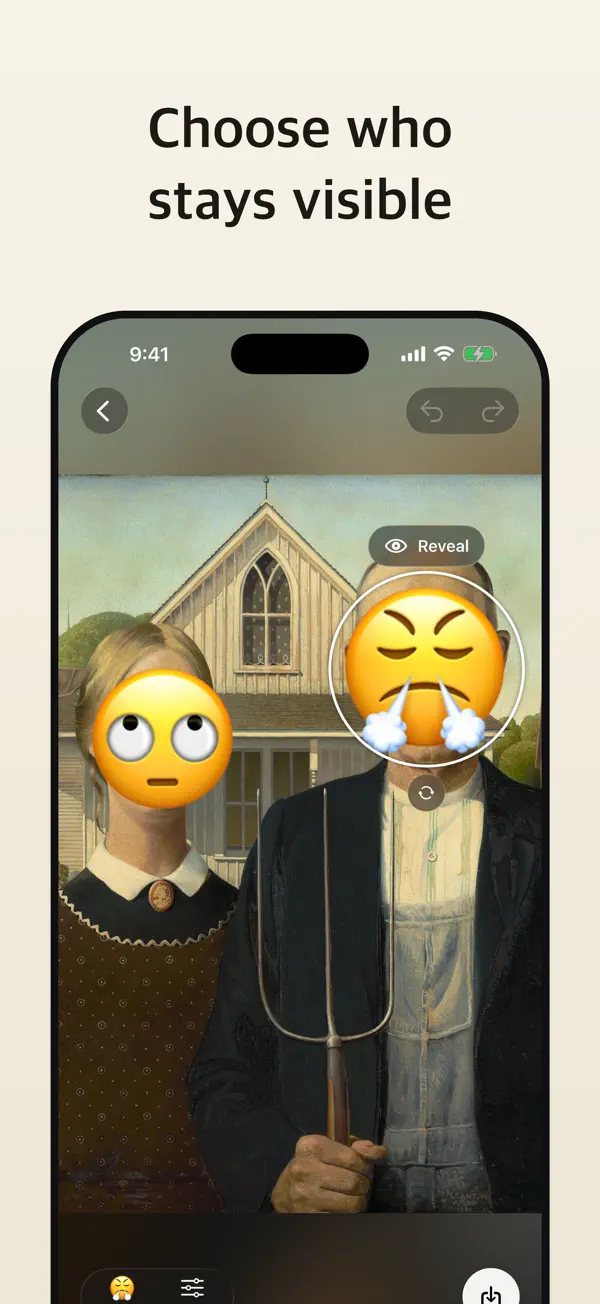
MojiMask finds every face in the picture and masks it straight away. You start from a fully covered image, so hiding someone is the default, not a step you might skip.
Want yourself or your friends in the shot? Tap those faces to show them. Everyone else stays covered, and one more tap puts the emoji back.
Give every face its own emoji, or type letters instead. Change the size, color, position and rotation: drag to move it, use the handle to turn it.
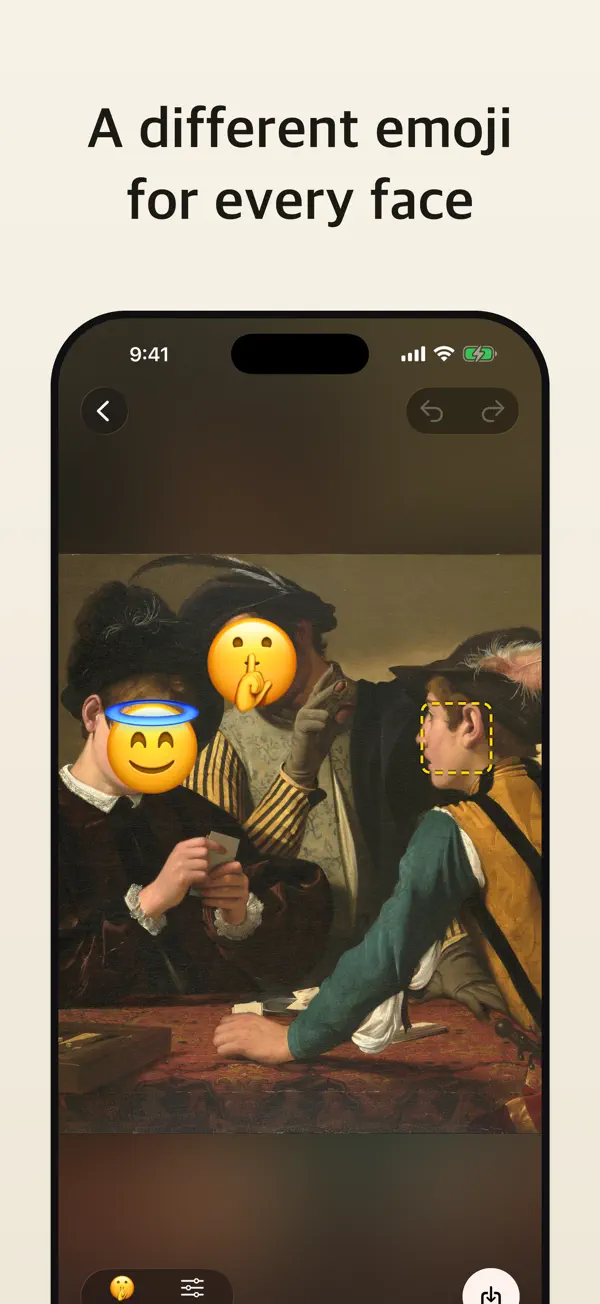
Faces are tracked frame by frame, so the emoji moves with the person. Someone who walks into the shot halfway through is covered the moment they appear, and the original sound is kept.
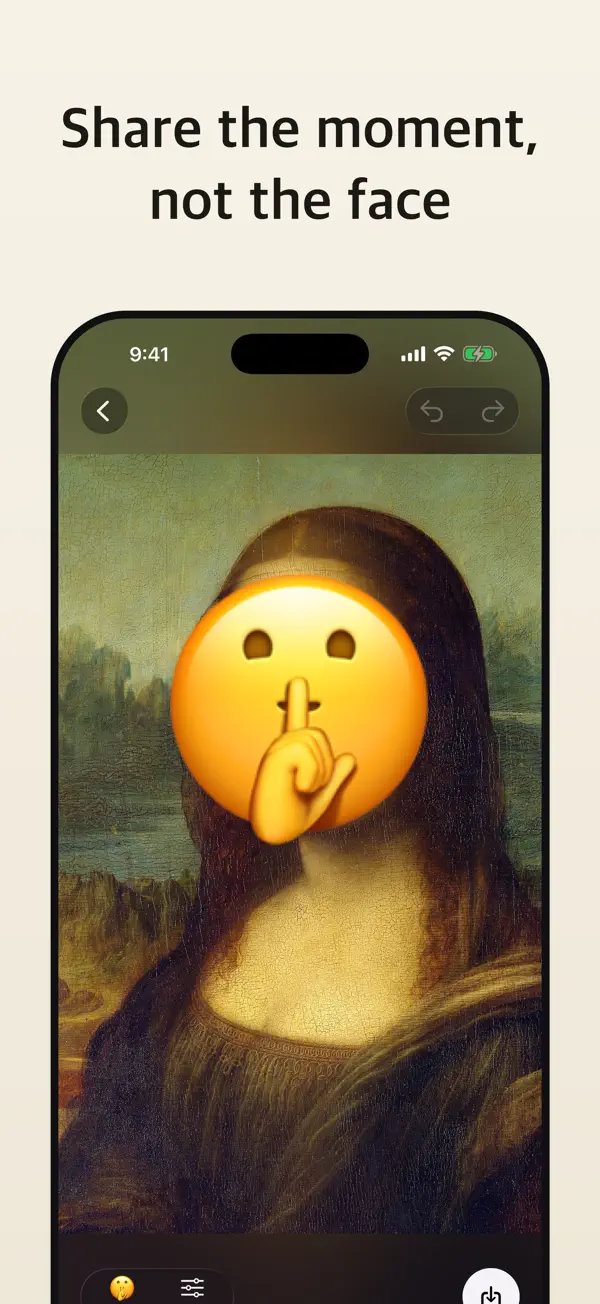
The app only finds where a face is — it never works out who it is. Everything happens on your iPhone, and face data is neither stored nor uploaded.
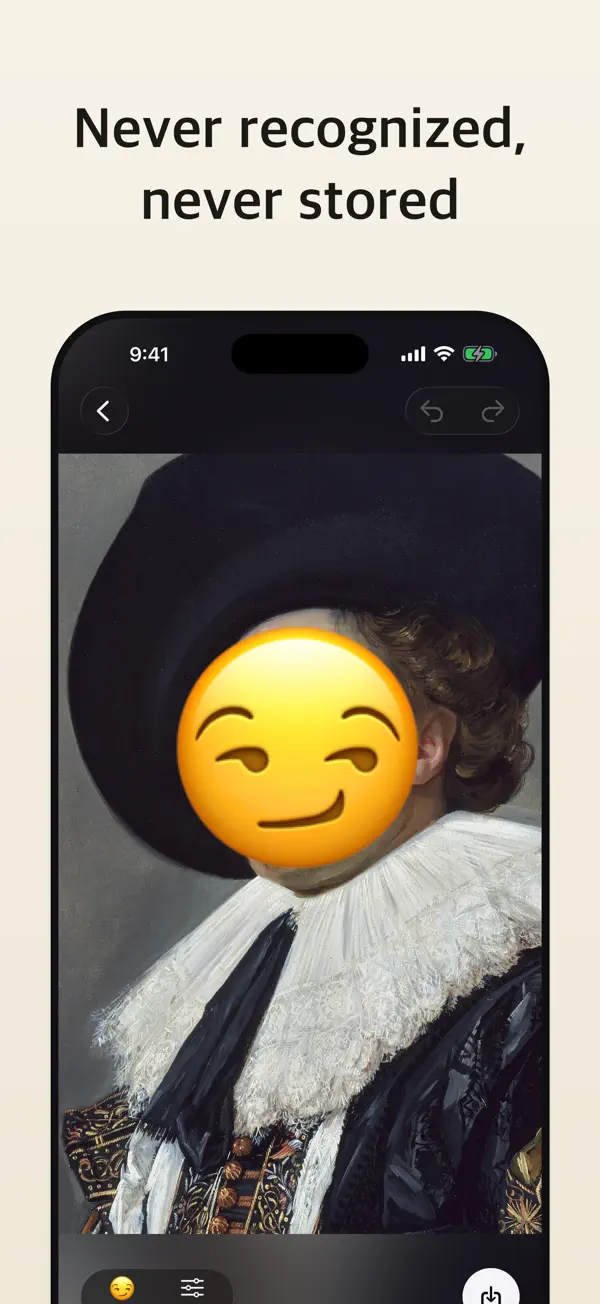
The same tap-to-reveal editing works on stills and on video clips from your photo library.
MojiMask opens only the photos and videos you pick and saves the result as a new file. The original is never changed.
Free to download. Unlock unlimited saves with a one-time purchase, or buy a single save when that's all you need.
Open the video in MojiMask. Every face is covered with an emoji automatically and tracked frame by frame, including people who appear later. Tap any face you want to show, then save.
It's free to download. Saving works with a one-time purchase for unlimited saves, or a single-save purchase. There is no subscription. Prices are shown in the app.
No. It detects where faces are so it can cover them, but it never identifies who anyone is. All processing happens on your device, and face data is never stored or uploaded.
Yes. Each face can have its own emoji or letters, and you can adjust the size, color, position and rotation.
Yes. The audio is kept as it was in the original video.
An iPhone with iOS 26.0 or later.

Free on the App Store.